
Would you like to see your friends and have a good time, but social distancing won’t allow it? Join us as we share how Sarah managed to have fun with her friends, practice social distancing, and solve a murder. Time for Terrible Castle of Baron Castaign, social distancing style!
Here’s how Sarah describes her process for hosting the party:
Specifically for Zoom:
1. One week before the game I sent an email to each individual guest their specific Character description paragraph, the Getting into Character paragraph, and the Costume description (which was not mandatory but an option). I also mentioned that it would be easier to use a laptop to access the game on Zoom if they could, and not their phone. This was so they could check their email for what I sent through-out the game. I also sent a .jpg of the Character name tags in case they wanted to wear that during the game (no one had access to a printer so that wasn’t used). Finally, I included the list of all Characters with the one-line descriptions and the name of each of our friends who would be playing the character. This helped everyone prep for their Character a bit.
2. The morning of the game, I sent a second email with Act 1 instructions and the Zoom link. This included the character sheet…
3. We had everyone change their name in Zoom to their character name so everyone else could see it the entire game. This helped for the guests who opted not to come in costume.
4. During the First Act, I set up four different break-out rooms in Zoom where I could send people if they wanted a “private” conversation. Everyone met in the Grand Hall as the main Zoom room, and then they could ask to go to “the Dining Room,” the “Side Hallway,” or “Step outside” with a different character. This meant a little more work for me during the First Act as everyone asked to go to a different room with different people. But though hectic for me, it worked for everyone else. I also allowed anyone to follow anyone else, so there were a lot of people asking to follow/sneak-in on others.
5. During the Second Act, everyone stayed in the same room and I explained the rooms they were walking into. We played it like a DnD (Dungeons and Dragons) campaign where I explained the description of the room, and then everyone told me what they wanted to explore or look at closer, ie: Edgar would always grab the bottle of drink (as he should in character); some characters would ask to fiddle or move things; some characters would ask to explore the trunks/paintings etc. That is also how I played the actual murder section. Instead of having Phipps explain where to go, I told them that they all rushed to Luella’s room and then asked who was going to approach the body and then told them what they felt (no pulse) or saw (her neck) etc.
6. If there was a piece of paper from your game play that someone “found” while exploring the room, I would email those to the characters so they could explain to the others what they found. I had copied and saved the individual cards as separate .jpg’s ahead of time, attached to an email, and only had to put in the friends’ email address and then hit send. I emailed Constance and Edgar their letters right before they needed them as well and emailed the mantle description to the Baron before he needed that. I sent the Catacomb cards in an email, and the players had to read them out-loud to the rest of the players with their disappointment at their injuries. A simple Snip tool is all you needed to save the pictures into individual files.
7. For the Second Act, we had also found images for each room for everyone to change their Zoom background as we moved from room to room (one for the great hall, the wine cellar, the library, the catacombs etc.) and shared those as a Google folder of images. But we found this didn’t work for all guests according to various laptop capabilities and was abandoned pretty early on. We liked the idea, but you would have to know everyone has higher grade laptops to make it work.
8. Rock/paper/scissors is hard on zoom because of time lags. It worked for us, but if we played in the future, I would might just have everyone bring out a 6 sided dice to settle the battles We loved the idea for an in-person game though – genius! 🙂
And that’s about all we changed in order to be able to play the game over Zoom.
Sarah had some great ideas that truly makes Terrible Castle of Baron Castaign extremely fun via Zoom.
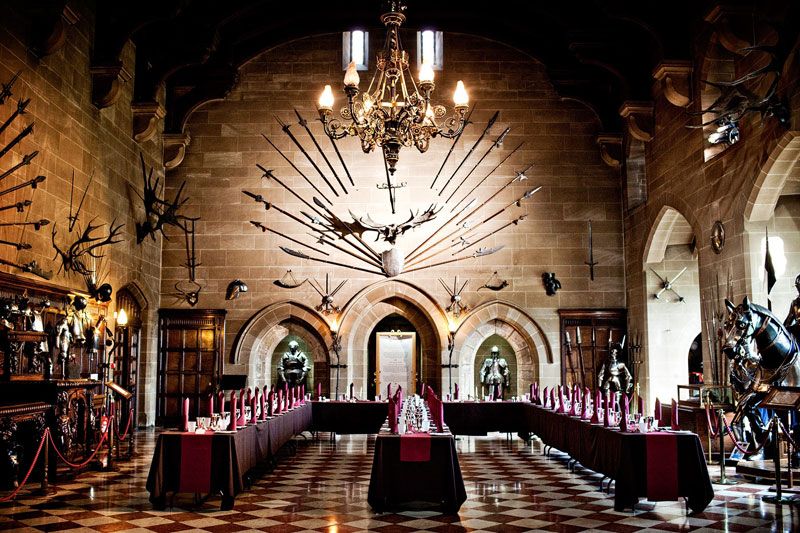
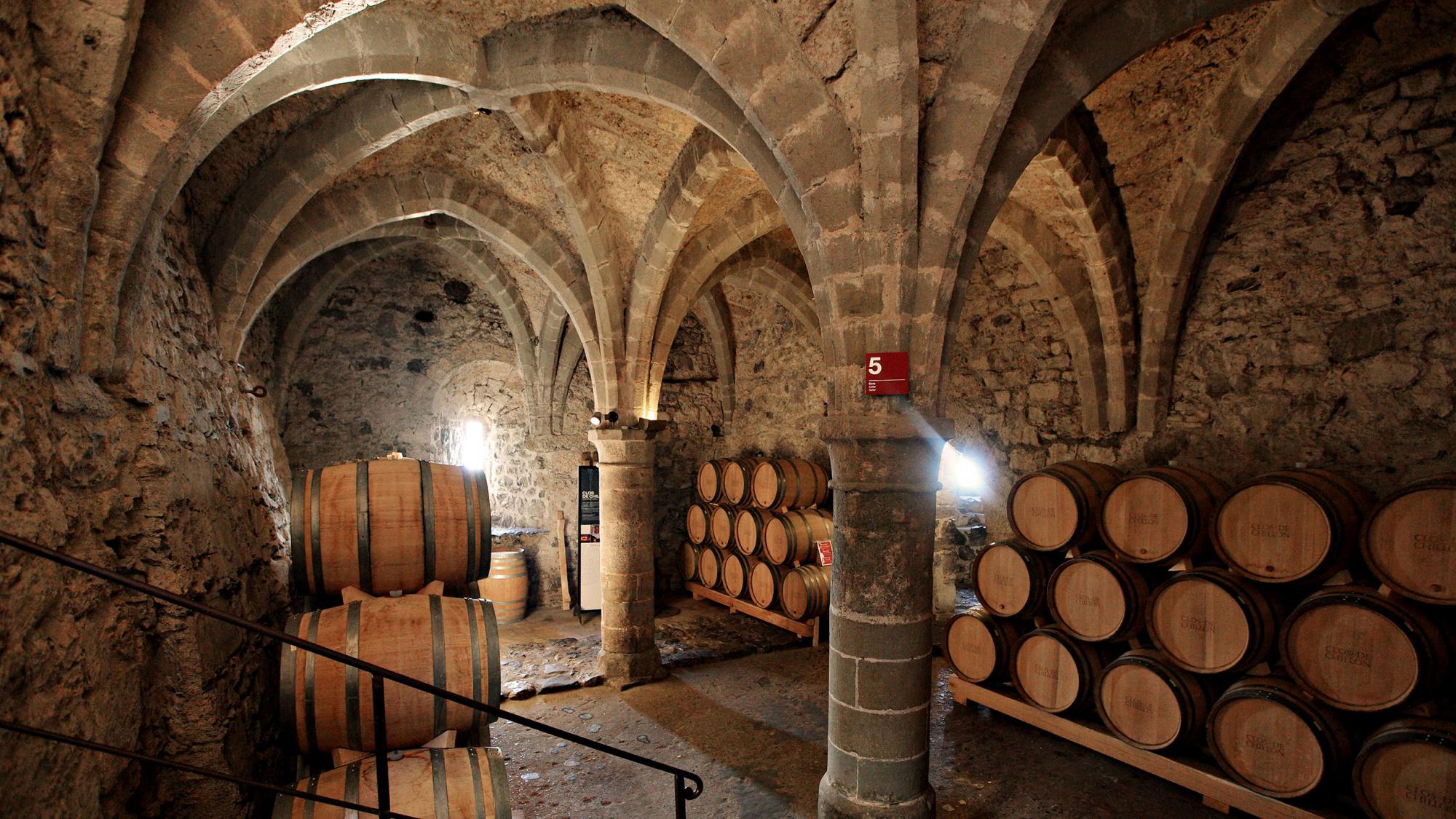
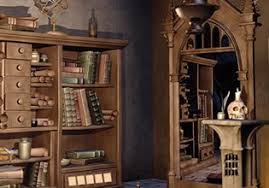
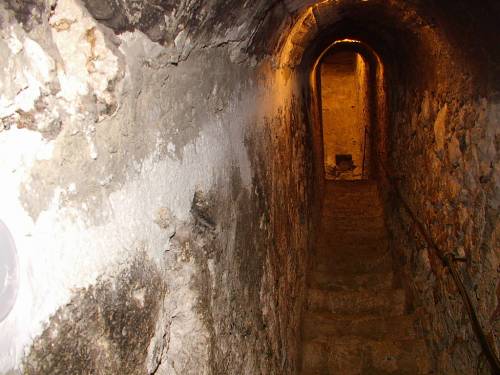
Sarah changed the Zoom background for each room in the Second Act. You will see some options above, featuring real medieval castle images. If your video chat software allows to utilize this option, it is definitely a fun idea.
This sounds like Terrible Castle of Baron Castaign was a great choice to convert from in-person to social distancing friendly. Thanks to Sarah and her awesome hosting abilities, we can share this information with everyone!
